

Brand: Apple
Model: MA591G/C
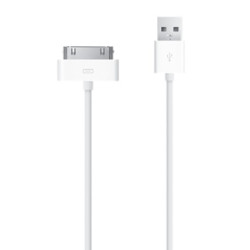
Use the Apple 30-pin to USB Cable to charge and sync your iPhone or iPod with your Mac or Windows PC.This USB 2.0 cable connects your iPod, iPhone, or iPad — directly or through a Dock — to your computer's USB port for efficient syncing and charging or to the Apple USB Power Adapter for ..
$19.00
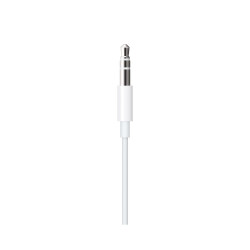
Brand: Apple
Model: MXK22AM/A
OverviewThis bi-directional cable can be used with both 3.5 mm audio-out and audio-in ports, allowing you to connect your AirPods Max or Beats Solo Pro headphones to 3.5 mm audio sources, or to connect your iOS or iPadOS device to speakers with 3.5 mm audio ports.Using with AirPods Max or Beats Solo..
$35.00
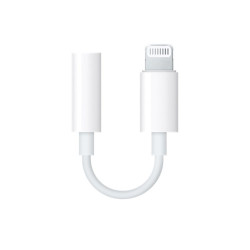
Brand: Apple
Model: MMX62AM/A
This adapter lets you connect devices that use a 3.5 mm audio plug to your Lightning devices...
$9.00
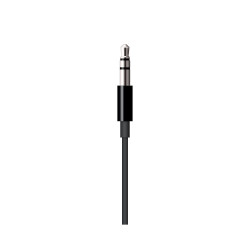
Brand: Apple
Model: MR2C2AM/A
This cable allows you to connect your Beats Solo Pro headphones to 3.5mm audio ports. It can also connect your iOS or iPadOS device to 3.5mm audio ports.Lightning connector with Beats Solo ProConnect your Beats Solo Pro headphones to the 3.5mm audio port on an airplane, iPhone, iPad, Mac, or other d..
$35.00
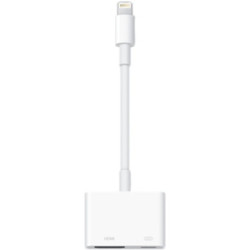
Brand: Apple
Model: MD826AM/A
Put your slides, movies, photos and everything else on your iPad with Retina display, iPad mini, iPhone 5, or iPod touch (5th generation) screen on an even bigger screen: your HDTV. The Lightning to Digital AV Adapter mirrors exactly what you see on iPad with Retina display, iPad mini, or iPhone 5, ..
$49.00
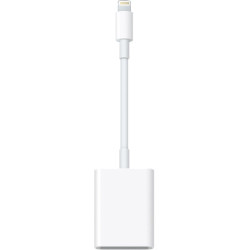
Brand: Apple
Model: MJYT2AM/A
Use this adapter to import photos and videos directly from your camera?s SD card to your iPad with Retina display or iPad mini via the Lightning connector...
$29.00
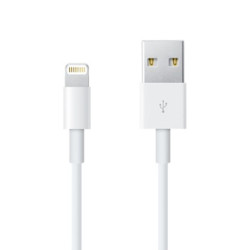
Brand: Apple
Model: ME291AM/A
Use the Lightning to USB Cable to charge and sync your iPhone or iPod with Lightning connector to your Mac or Windows PC.This USB 2.0 cable connects your iPhone or iPod with Lightning connector — directly or through adock — to your computer's USB port for syncing and charging or to the A..
$19.00
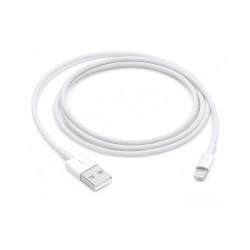
Brand: Apple
Model: MXLY2AM/A
This USB 2.0 cable connects your iPhone, iPad, or iPod with Lightning connector to your computer’s USB port for syncing and charging. Or you can connect to the Apple USB Power Adapter for convenient charging from a wall outlet. (Does not support audio or video output.)..
$19.00
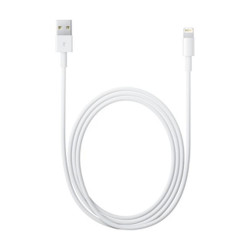
Brand: Apple
Model: MD819AM/A
This 2-meter USB 2.0 cable connects your iPhone, iPad, or iPod with Lightning connector to your computer's USB port for syncing and charging or to the Apple USB Power Adapter for convenient charging from a wall outlet...
$29.00
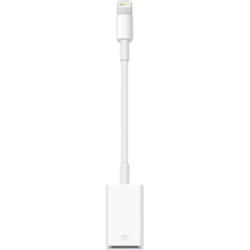
Brand: Apple
Model: MD821AM/A
Use this adapter to import photos and videos from a digital camera to your iPad with Retina display or iPad mini with Lightning connector. The Lightning to USB Camera Adapter supports standard photo formats, including JPEG and RAW, along with SD and HD video formats, including H.264 and MPEG-4.With ..
$29.00
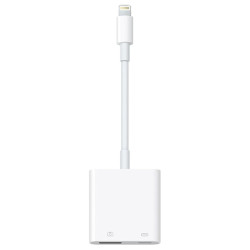
Brand: Apple
Model: MK0W2AM/A
With the Lightning to USB 3 Camera Adapter, it’s easy to transfer photos and videos from your high-resolution digital camera to your iPad Pro. After you connect the Lightning to USB 3 Camera Adapter, your iPad Pro automatically opens the Photos app, which lets you choose photos and videos to i..
$39.00
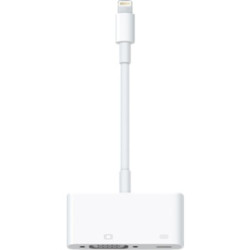
Brand: Apple
Model: MD825AM/A
Put your slides, movies, photos, and everything else on your iPad with Retina display, iPad mini, iPhone 5, or iPod touch (5th generation) with Lightning connector on an even bigger screen: a VGA-equipped TV, monitor, or external projector for video mirroring. The Lightning to VGA Adapter mirrors ex..
$49.00